# Reviews
Clients can leave reviews about their cooperation with the service on the exchange point's website. This helps increase trust in the company and creates a positive image among new users.
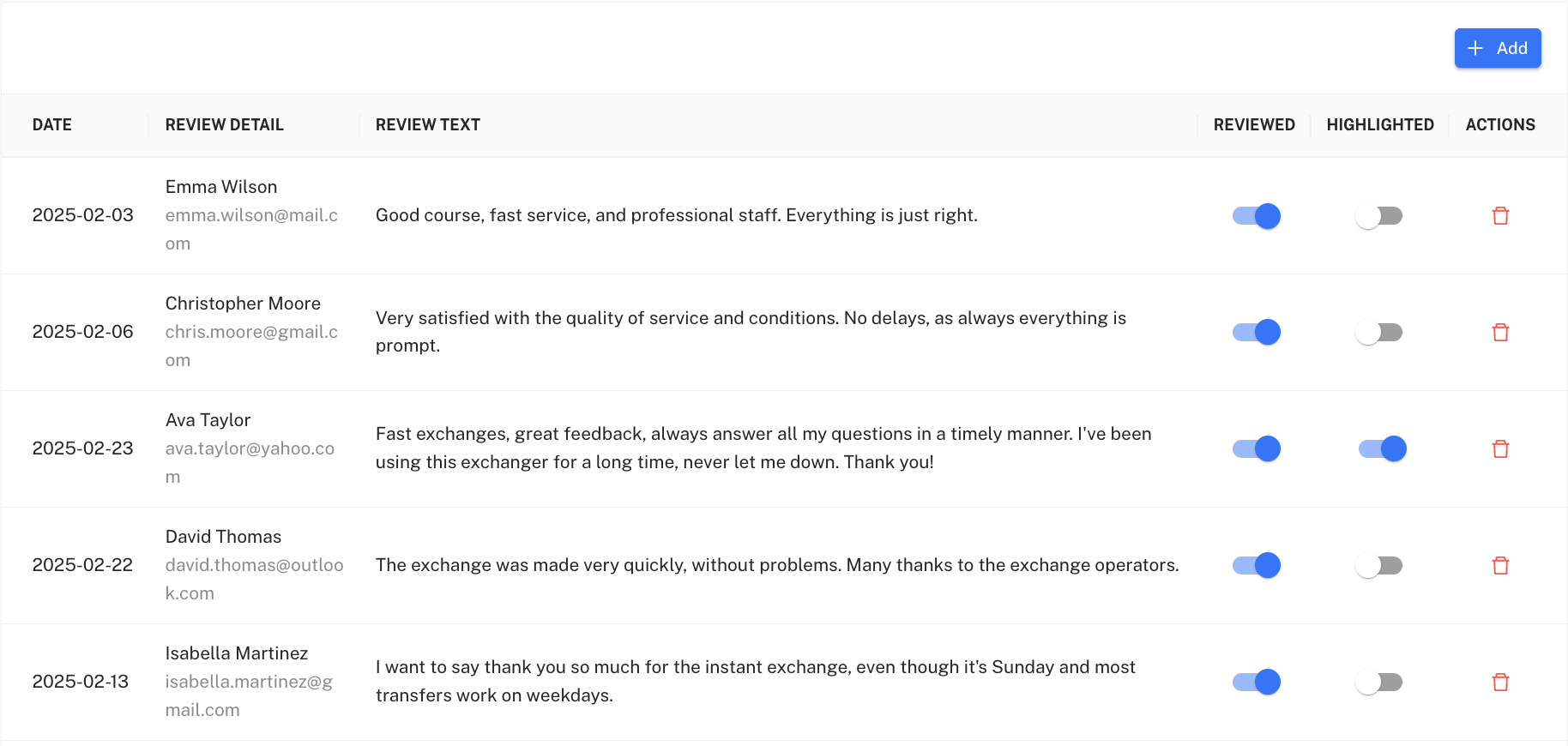
To view the list of all reviews, go to the **Reviews** section in the admin panel menu on the left. The page contains a table with the following data:
* **Date** – the date the review was created;
* **Review details** – the author's name and email;
* **Review text** – the customer's review itself;
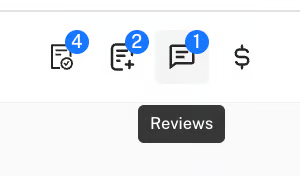
* **Viewed** – indicates whether the administrator has read the review; if the switch is inactive, you will see a numeric value in the top menu that shows the number of unread reviews.
Also, if a review is marked but not viewed, that review will not be displayed on the site; for it to be shown both toggles must be active.
* **Featured** – a marked review that can be shown on the homepage;
* **Actions** – the ability to delete the review.
Administrators can:
* hide or show the review on the site using the toggle;
* mark the review as featured so that it appears on the homepage;
* delete the review by clicking the trash icon.\
⚠️ It is not possible to change the review text or date.
#### **Adding a new review**
The administrator can add a review manually. To do this, press the **+ Add**button, after which a form with fields will open:
1. **Name** – the review author's name.
2. **Email** – contact email (not displayed publicly).
3. **Preview text** – the review text that will be shown on the site.
4. **Content language** – choice of language (UK/EN/RU).
5. **Viewed** – you can immediately mark that the review has been verified.
6. **Featured** – make the review “chosen” to display on the homepage.
After filling in the fields, click the **Publish**button to add the review to the site.