# Partners
On the tab **Partners** all partner platforms that have been integrated into the exchange site's website, or those you have set up cooperation with, are displayed. To add a new partner, go to the section **Home → Partners** and click the button **"+ Add"**. After that, the record creation form will open:**Adding a partner — field descriptions:**
1. **Image upload** — upload the partner's logo that will be displayed on the site. You can drag the file into the field or choose it from the list.
2. **Content localization (RU / EN / UK)** — select the language version for which the link will be added. This allows you to specify different URLs for different language versions of the exchange site.
3. **URL** — enter the link to the partner's site that corresponds to the selected localization.
4. **Publication** — after filling in all the fields, click **"Publish"**, to add the partner to the site. If you need to cancel the action, use the **"Cancel"**.
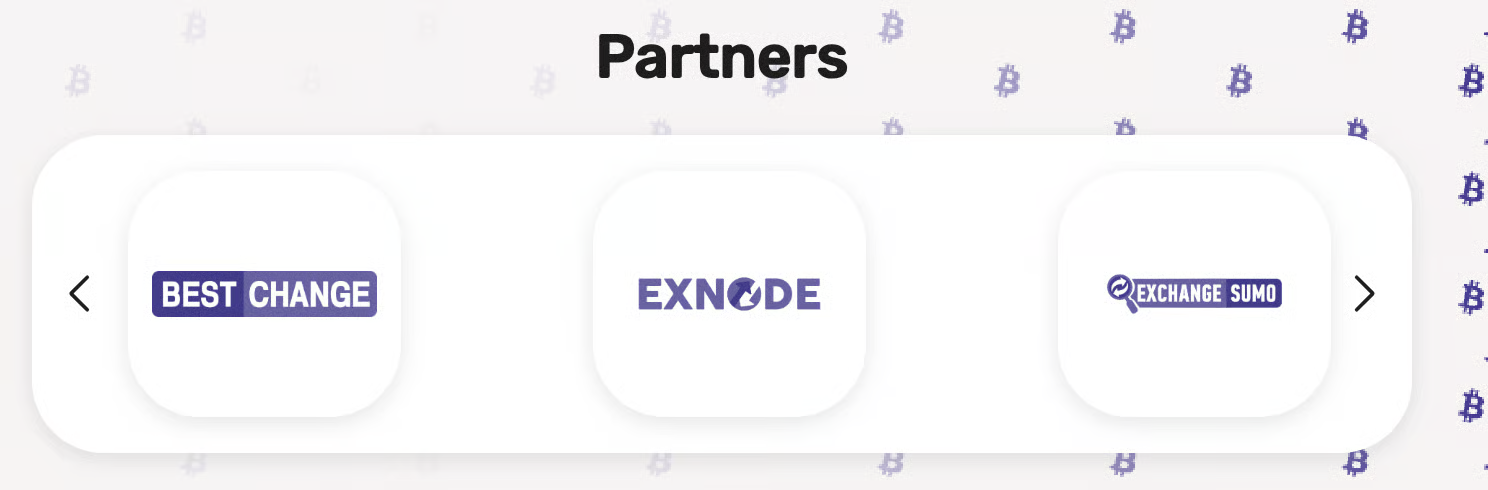
On the site this will look similar to:
For your convenience, we have collected links and files with commonly used partner logos in the ["Useful logos" section.](https://lara-script.gitbook.io/product-lara/product-lara-ua-en/useful-logos)