# API key generation
An API key is required for authentication when interacting with the LARA custom API.
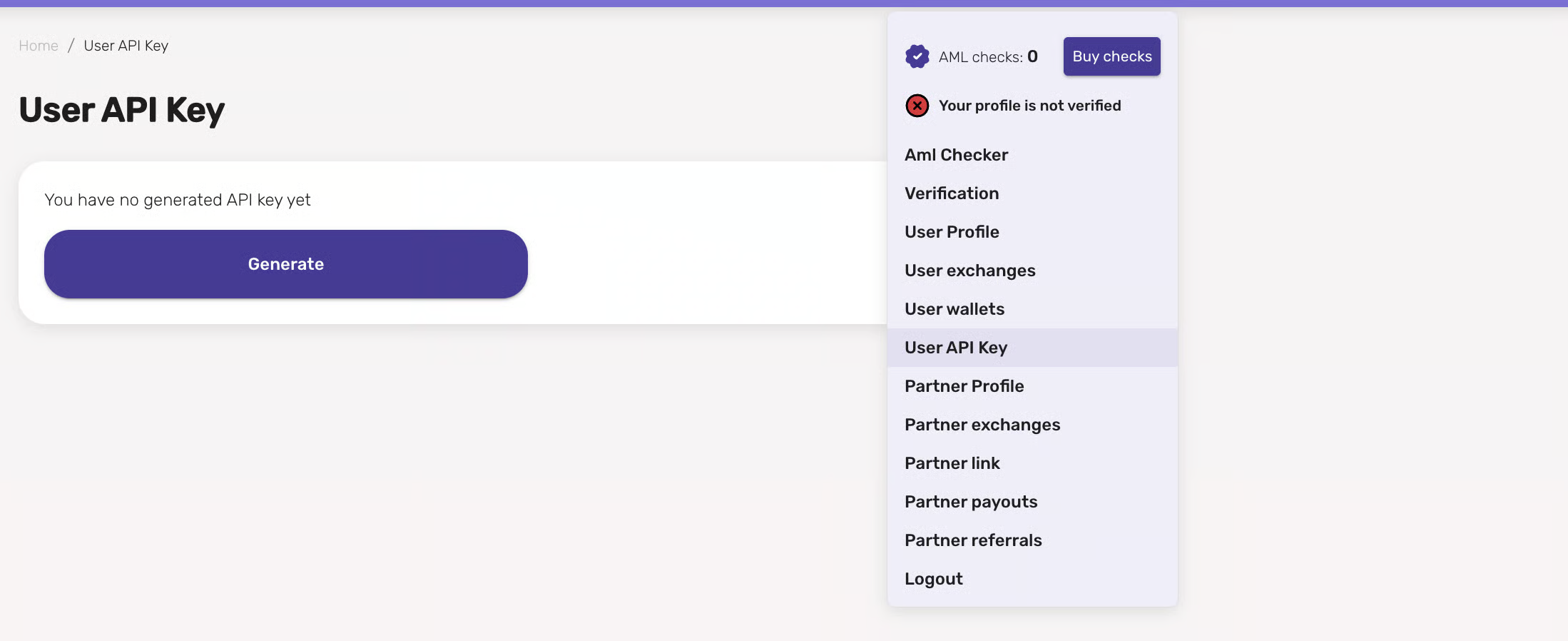
#### **How to get an API key:**
1. **Log in to your account** (or register if you do not yet have an account).
2. Go to **Profile → Custom API**.
3. Click the button **“Generate”**.
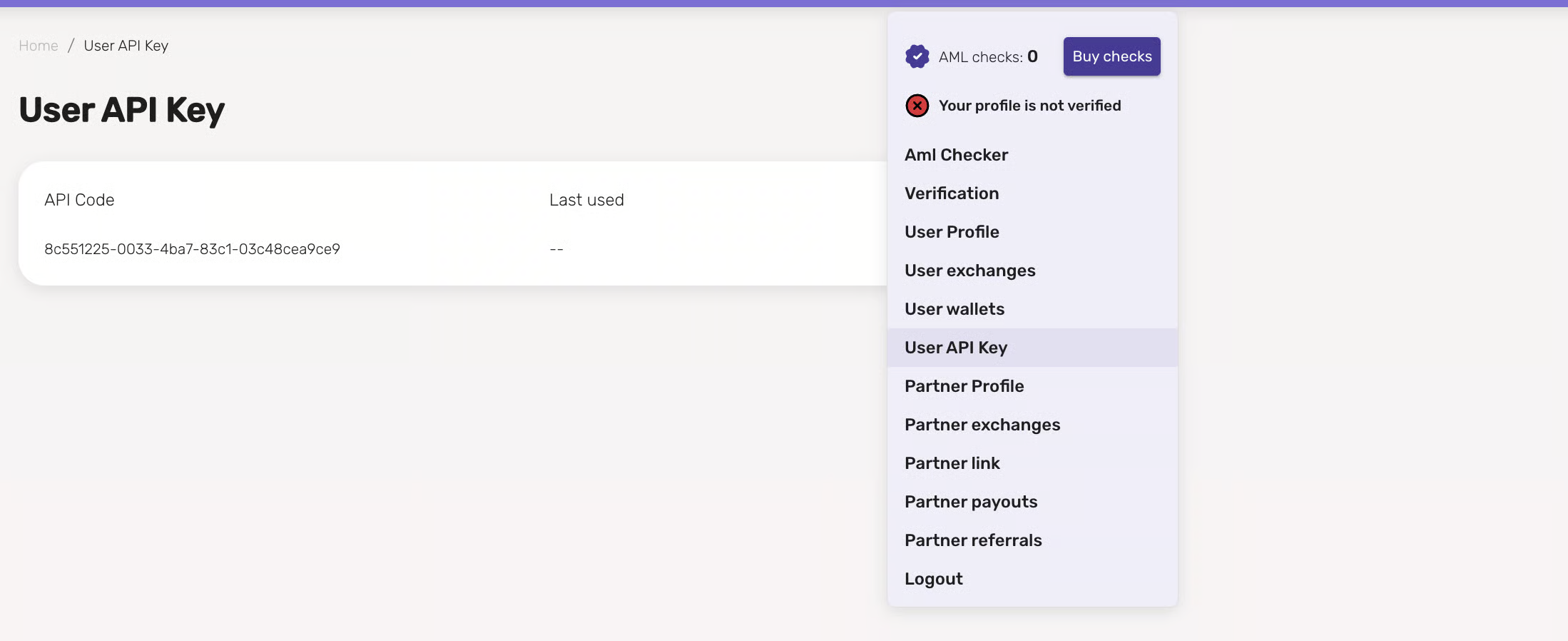
4. After that the key will appear in the list. In the table you will see:
* **API key**, which is used in requests from your system.
* **Last used date**, which allows you to track the key's activity.
#### **Security recommendations:**
* Be sure to **save the key** in a secure place — it will not be shown again after closing the page.
* **Do not share the key with third parties**, to avoid unauthorized access to the API.
* Authentication