# PayPlay
**PayPlay** is a payment solution for accepting cryptocurrency payments, and is one of WhiteBit's subsidiary products.
Unlike most services, PayPlay does not have a standard registration form. To connect, you need to contact their team directly:
1. Go to the official PayPlay website and click the **"Contact Sales"**.
2. After submitting a request, a PayPlay representative will contact you (most often via Telegram).
3. If you do not yet have an individual entrepreneur (FOP) in Ukraine, PayPlay specialists will help with its registration — this is a mandatory requirement for operation.
4. After verification and account setup are complete, you will get access to the PayPlay dashboard.
***
### Integration settings
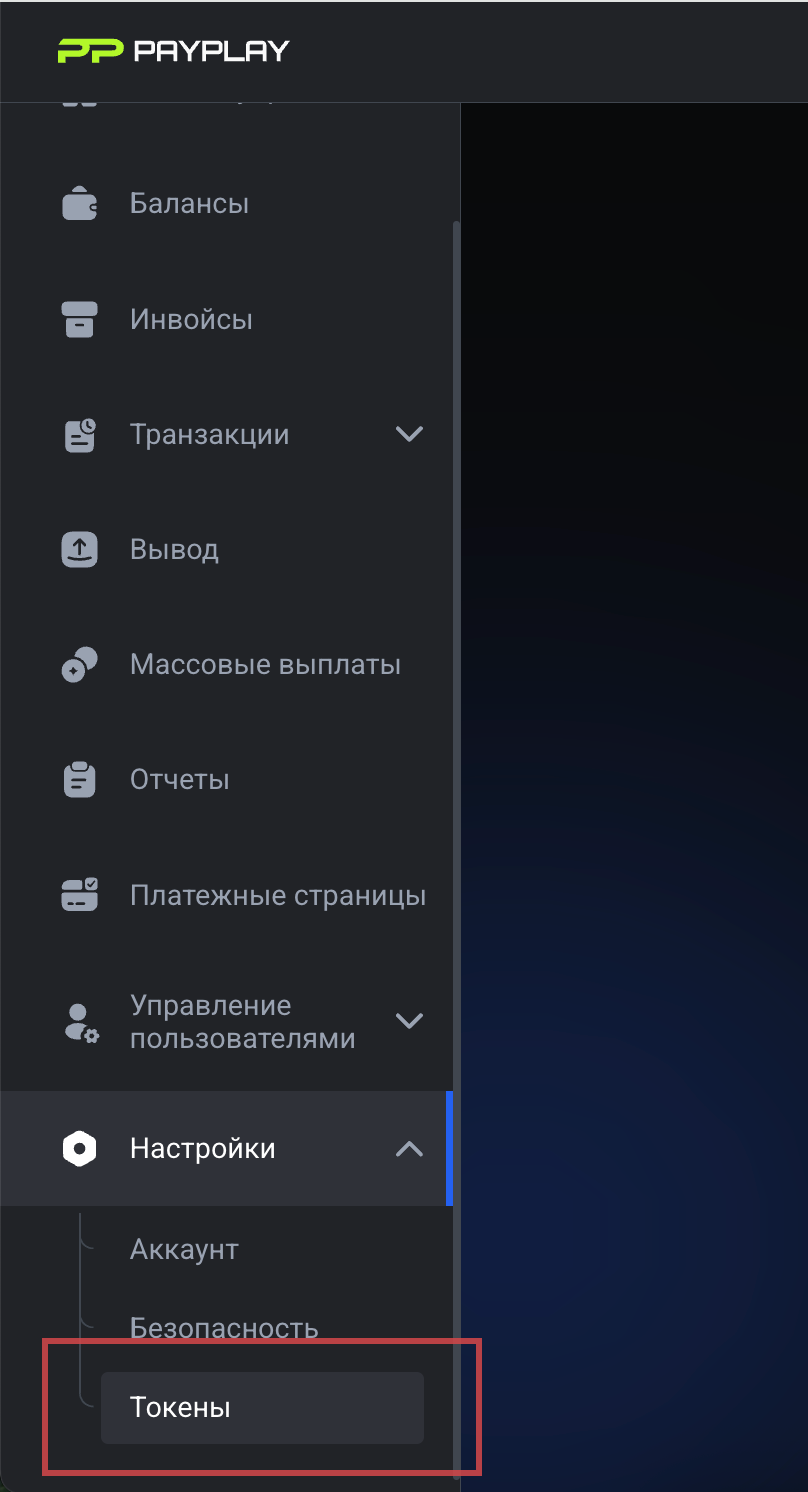
1. In the PayPlay dashboard go to the **Settings → Tokens**.
2. Generate the required data:
* **API Key** — an access key to the API that is used to authorize requests.
* **Slug** — a unique identifier of the project/store.
* **Webhook Secret** — a secret key for verifying incoming notifications (for example, about a payment receipt).
3. Save this data and paste it into the admin panels when creating a new PayPlay merchant.
⚠️ Important: PayPlay integration in the system is used only for **accepting payments**, withdrawal of funds through this module is not provided.
### Note
PayPlay is a fully legal solution focused on the Ukrainian market. Thanks to direct support from the WhiteBit team, the connection process is fast, and all issues can be handled directly with a personal manager.